
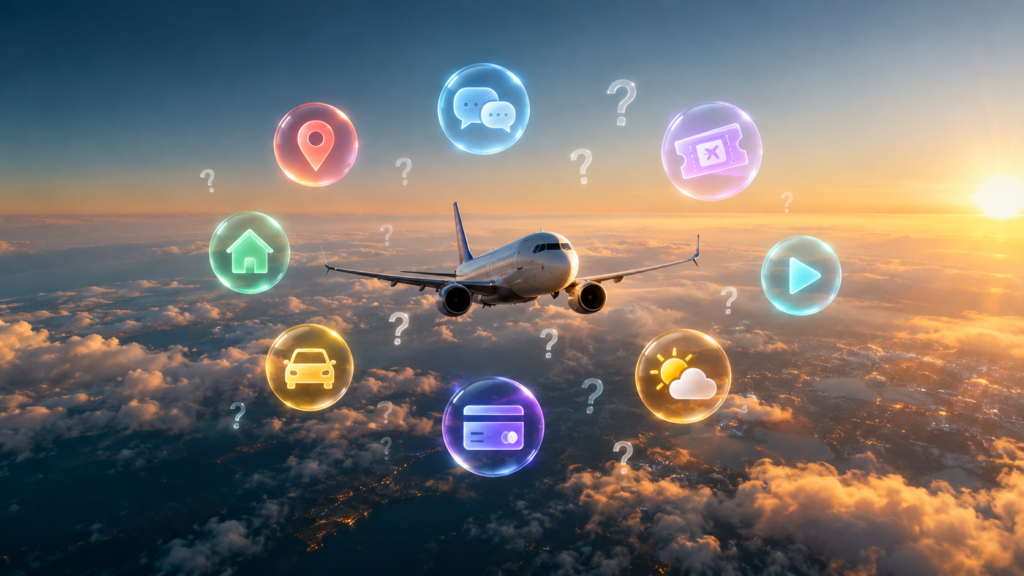
Best travel apps lists are everywhere, but most of them are written by people who tested an app for five minutes. This one is different. My family moved and traveled a lot, often with two small kids, and these are the apps that really saved us. All of them are free to download.
I’m not going to list 50 apps. You don’t need 50. You need a few good ones that work when you are tired, lost, and holding a child’s hand at an airport.
Why You Need Only a Few Good Travel Apps
When we started traveling with kids, my phone was full of apps I never opened. Over time, I deleted almost all of them. What stayed were apps for the basic problems of every trip:
- How do I get there?
- How do I talk to people?
- Where do we sleep?
- How do we move around safely with kids?
- How do I pay?
- Will it rain?
Here is what I use for each of them.
The 8 Best Travel Apps I Actually Use
1. Google Maps (getting around)
This is the one app I can’t travel without. Walking, driving, public transport, opening hours of a pharmacy at 10 p.m. Everything is there.
My tip: download the map of the city before you fly. In Google Maps, tap your profile picture → Offline maps → Select your own map. Now navigation works even without internet, which saved us more than once when mobile data didn’t work after landing.
2. Google Translate (talking to people)
Google Translate turned out to be one of the best free travel apps for families. Three features I use all the time:
- Camera: point your phone at a menu or a sign, and you see the translation on the screen.
- Conversation mode: you speak, the phone translates out loud for the other person.
- Offline languages: download the local language before the trip, and it works without internet.
When you are in a pharmacy with a sick child and can’t read the labels, this app is priceless.
3. Aviasales (flights)
To find tickets, I use Aviasales. It compares prices from many airlines and booking sites in one place, and it has a price calendar that shows the cheapest days in a month. This is very helpful if your dates are flexible. Before I pay, I always check the final price and the baggage rules, because the cheapest ticket often doesn’t include a suitcase.
4. Airbnb (where to stay)
With two kids, a hotel room gets small very fast. With Airbnb, we usually rent an apartment with a kitchen and a washing machine. Cooking simple meals for kids and washing clothes on a long trip makes life much easier, and it often costs less than two hotel rooms.
My tip: always read the newest reviews, not only the rating, and check the exact location on the map.
5. Uber (rides with kids)
With kids, we use only taxis and Uber to move around. No crowded buses with tired children and a stroller.
Uber is great because you see the price before the ride, you don’t need to explain the address in another language, and you can share your trip with family.
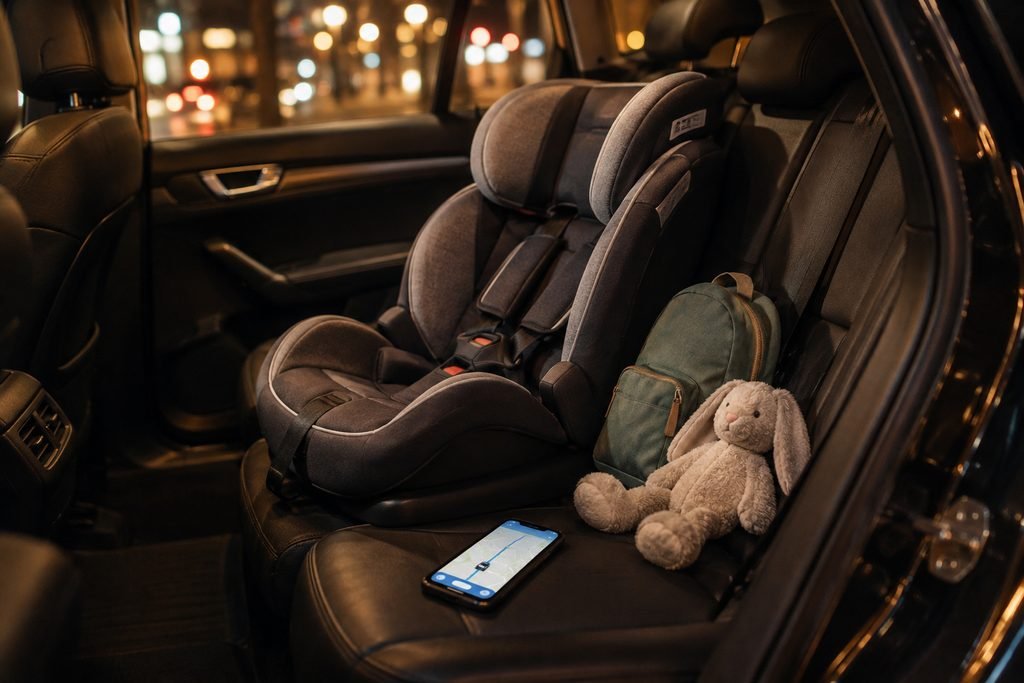
But here is something many parents don’t know: a normal Uber doesn’t come with a child seat. Uber offers a Car Seat option only in a limited number of cities, and you usually need to request it in advance. So for small kids, a travel car seat is worth the space in your bag.
6. Wise (money)
On every trip, I carry three things: some cash in the local currency, my regular bank card, and a Wise card. Cash is for small cafés, markets and tips. The cards are for everything else.
Wise is a multi-currency account with a card. You can hold money in different currencies and pay abroad at a fair exchange rate, with low fees. My regular bank card is my backup: if one card doesn’t work, the other one usually does.
My tip: don’t change all your money at the airport. The rate there is usually the worst.
7. AccuWeather (weather)
With kids, weather changes plans. AccuWeather has a minute-by-minute rain forecast that tells you if rain starts in 20 minutes. That’s how we decide between a park and a museum.
8. YouTube (offline cartoons for long trips)
Before a long flight, I download a few cartoons on YouTube, so the kids can watch them without internet. Downloading videos for offline viewing needs a YouTube Premium subscription. At home, we have strict screen time rules, but long trips are one of the times when screens are OK. A calm child on a 9-hour flight is good for everyone on the plane.
Best Travel Apps by Situation
| Situation | App |
|---|---|
| Lost in a new city | Google Maps (offline) |
| Can’t read the menu | Google Translate (camera) |
| Looking for cheap flights | Aviasales |
| Traveling with kids, need a kitchen | Airbnb |
| Need a ride with luggage and kids | Uber |
| Paying abroad | Wise + regular bank card + some cash |
| Planning the day | AccuWeather |
| Long flight with kids | YouTube (downloaded cartoons) |
What to Do Before Every Trip
- Download offline maps of every city you visit.
- Download the local language in Google Translate.
- Save your Airbnb address in Google Maps.
- Check if Uber works in that country, and if not, find the local ride app.
- Download cartoons for the kids.
- Take a screenshot of tickets and booking confirmations, in case there is no internet.
A Quick Word About Privacy
Travel apps know a lot about you: where you are, where you sleep, and where you go next. Before the trip, check which apps have access to your location all the time. I wrote more about what your phone really knows about you.
My Honest Opinion
The best travel apps are not the ones with the most features. They are the ones that work when your battery is at 15%, the internet is gone, and your kids are tired. For me, those are Google Maps and Google Translate first, and everything else second.
What app saved your trip? Share it in the comments, and I will test it on my next one.